 ENG
ENG
 УКР
УКР
 РУС
РУС
AI-LS Intranet: AI-editing images
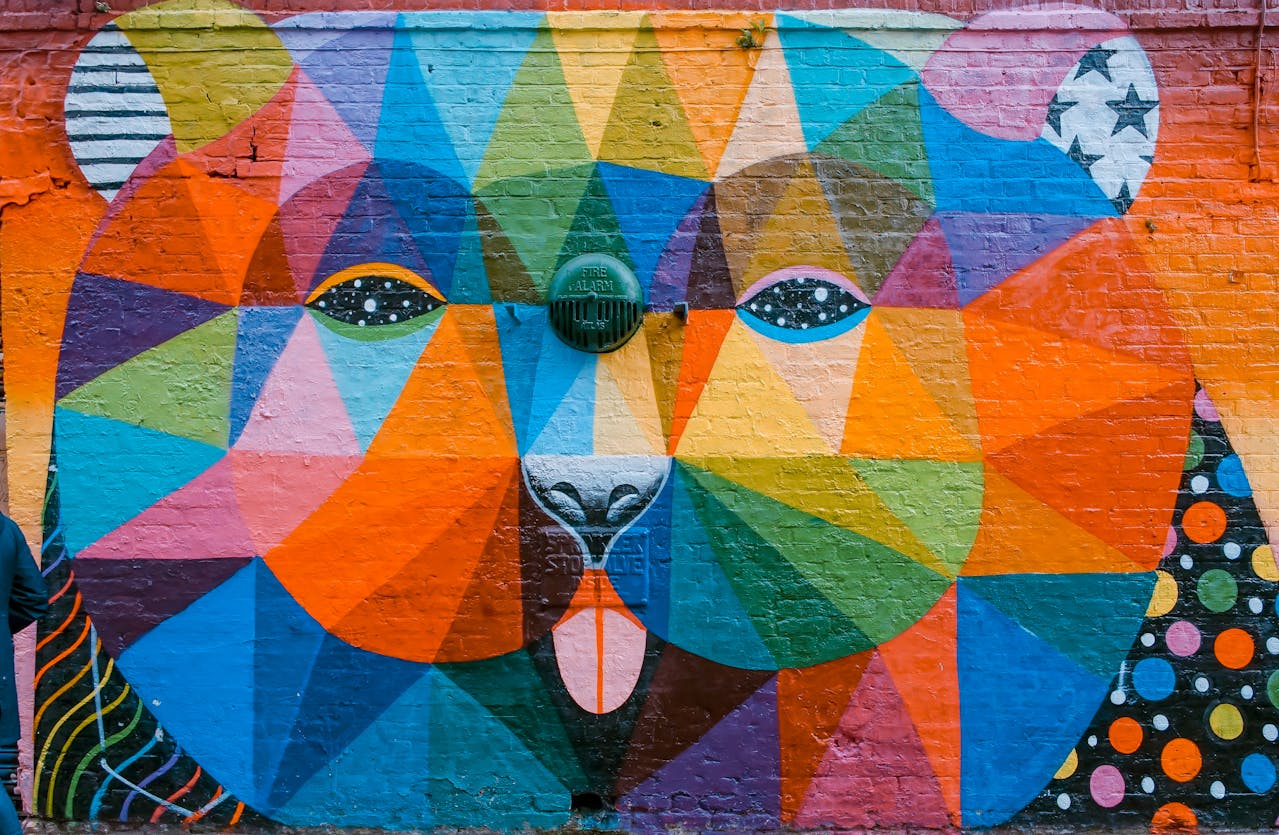
A few months ago, we introduced the integration of LS Intranet Copilot based on OpenAI DALL-E in our LS Intranet Internal Corporate Portal. Since then, Employees, in particular, of the Communications Departments have received a tool for instantly creating bright and unique images based on text queries. This has significantly reduced the time for working on visuals: after all, you can avoid searching for a suitable image in photobanks and not deal with the copyright risks.
However, we know that working with visuals is rarely limited to creating a perfect picture from the first time. Usually, there is a need for refinements: removing or replacing element(s), adding object(s), or adapting visuals to the updated brand book. So, we have covered this need.
We have significantly developed the functionality of LS Intranet Copilot: not only can it now generate, but also edit images using Artificial Intelligence. So, the User does not need to generate new images from scratch every time, when the previous result was already satisfying, for example, by 95%. Instead, by instructing the AI in natural language, it is possible to improve such an image, either generated by Copilot or downloaded from your own archive.
Our Communications Team very often turned to external (paid) visual editors to «clean up» the image or add specific elements. One of the latest examples is about an image of a laptop with our logo added to the image of the Lizards working in the office, generated in LS Intranet. There were two options here: either to generate the visual again in the Portal, as our AI is much more advanced and powerful than on external resources. Or to finalize the image in another editor. Both options mean additional time costs, and the latter also carries the risk of data leakage to the outside.
Now our Communications Team is very helped by the editing option in the Portal editing interface. By clicking on the pencil icon, the User enters a simple instruction – for example, «add an open laptop to the table with our logo» – and receives an updated image next to the previous one. Quickly and without switching between tabs.
Another common task is adapting ready-made materials to new needs. Let’s say you already have a background illustration that is perfect for infographics. But not in your corporate colors. You simply upload this image into the Portal editor and set the task to AI, «Change the color palette to blue and silver». So, there will be no need to involve a Designer or go to another image editor (or master new editing apps).
This is possible because advanced OpenAI models power LS Intranet Internal Corporate Portal.
In short, we have transformed LS Intranet Copilot – the AI component of our Internal Corporate Portal – from a content generator into a full-fledged creative assistant capable of conducting a dialogue. Therefore, Content Creators can not only get unique images but also fine-tune them to specific requirements. And this without spending time on re-generation or additional mastering of other graphic editors.
