 ENG
ENG
 УКР
УКР
 РУС
РУС


Copilot Cowork: tasks, strengths, billing
Copilot Cowork is a working mode in Artificial Intelligence (AI) within Microsoft 365 Copilot, that goes beyond suggestions or drafts and actually completes tasks on behalf of the User (with critical actions requiring Human approval). For example, sending an email, creating a document, preparing a presentation, scheduling a meeting, posting a message in Teams, or gathering information from work sources — Cowork can perform all these actions independently, even on a schedule. This means you can assign a task in the morning and simply review the result by the end of the day.
By contrast, Copilot Chat helps you quickly get answers, summaries, or draft content within a single conversation — it is designed more for «thinking and formulating,» while Cowork is designed for execution.
Key strengths of Cowork
According to Microsoft, Cowork is designed for long and complex tasks that require multiple tools, multi-step workflows across different Microsoft 365 apps, and several stages of completion.
Features of functioning:
- Operates within the Microsoft 365 environment:
Cowork uses Work IQ, meaning it is grounded in your work context — emails, files, meetings, chats, and other data you already have access to. It inherits the User’s existing permissions: if a User cannot access a file or email, Cowork cannot either. This is a key difference from many external AI tools that operate outside an Organization’s work context. - Cloud-based execution:
Most Cowork tasks run in Microsoft’s cloud and can continue in the background without an active User session. However, certain browser-use scenarios are launched through the local Microsoft Edge on the User’s device. - Enterprise-grade security and compliance:
Copilot Cowork operates within existing Microsoft 365 policies, respecting User permissions, protecting data, and complying with Organizational security and compliance requirements. - Multi-model approach and pay-per-use pricing:
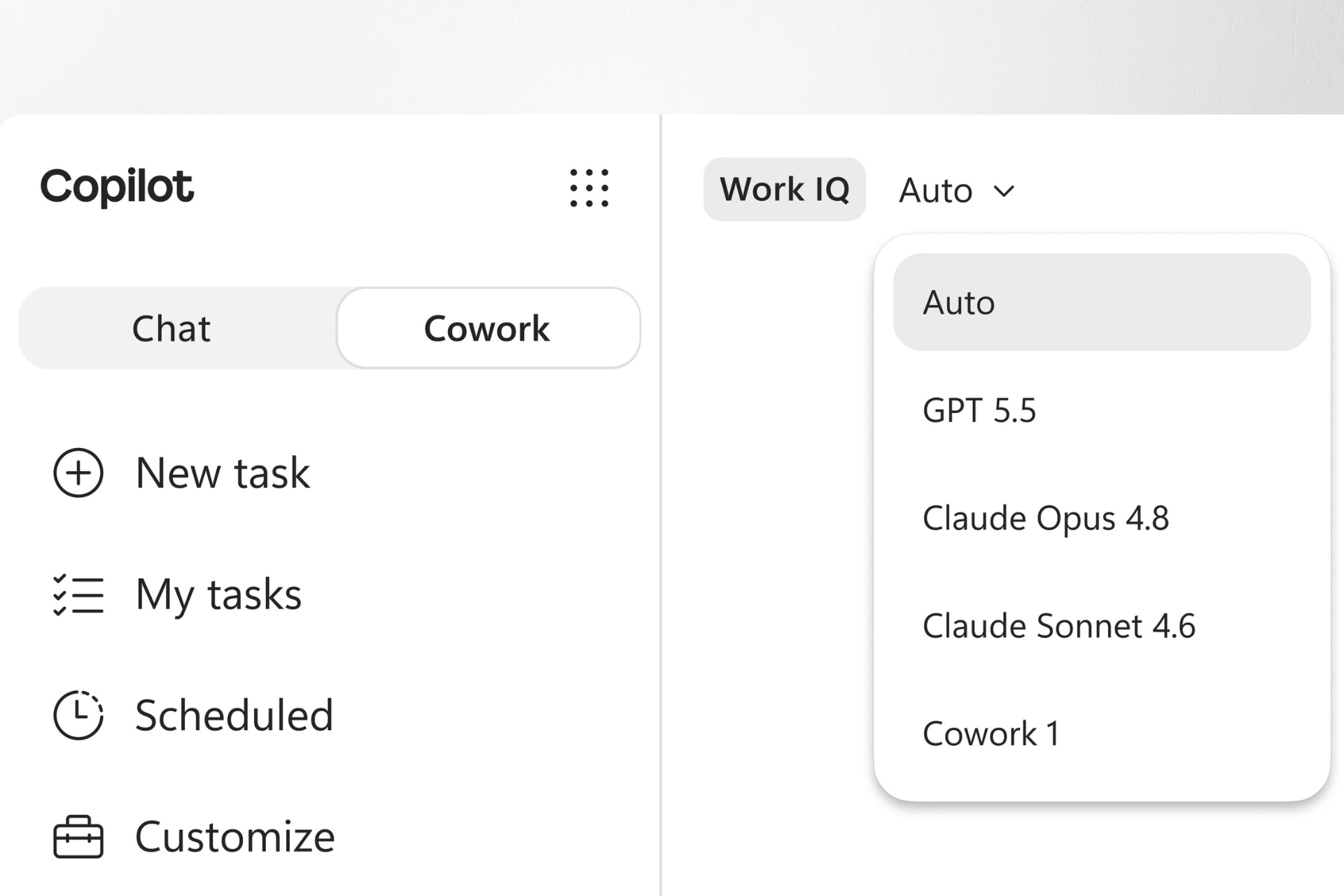
Cowork selects the appropriate level of intelligence depending on the task complexity (automatically or via manual selection). Simpler tasks use more cost-efficient models, while more complex scenarios rely on more powerful — and more expensive — models. This enables a balance between quality, speed, and cost.
Billing
Microsoft 365 Copilot has a separate billing model for Copilot Cowork.
A Microsoft 365 Copilot User Subscription License (USL) alone is no longer enough. To enable Cowork (which is disabled by default), Administrators must activate usage-based billing, meaning payment is based on actual usage. This allows Administrators to decide when to enable Cowork and who gets access.
Cowork is not billed for availability, but for completed work. Consumption is measured in Copilot Credits — a common billing unit across Copilot services (Cowork, Copilot Studio, Dynamics, Work IQ API, etc.).
The cost of each task is calculated based on four components: model usage, context retrieval, tool calls, and execution time. So the total cost reflects all actions performed by Cowork, including image generation and browser tasks.
Components of Cowork usage charges
- Model responses — all AI-generated text: written emails, created documents, generated reports, etc. The more content or complexity, the higher the consumption.
- Tool and skill calls — actions performed by Cowork in the system: creating Word or Excel files, scheduling meetings, posting in Teams, etc. Each action counts as a separate operation.
- Image generation — treated as a separate workload and billed accordingly.
- Browser tasks — opening websites, searching for information, interacting with web pages.
Accordingly, the charge for implementing a task such as «prepare a report and a presentation» consists of the cost of the steps that Cowork performs: data search (context), information processing (logic + model), document creation (tool), text generation (model response).
Lighter tasks, where few sources are needed, limited «reasoning» is required, and only one result is produced, will cost less. More complex tasks, where the agent analyzes many sources, uses more tools, works longer, and produces several results, will be more expensive. That is why Microsoft recommends estimating expected consumption not only by the number of Users, but also by the types of their tasks: light, medium, and heavy.
.png)
For an approximate estimate of Copilot Cowork usage costs, Microsoft suggests using this Customer Cowork Estimator.
Cost management and payment options
Cost management in Cowork is implemented across three directions: control, visibility, and efficiency.
- Control: Administrators can set spending limits at the Organization, group, or User level, define budgets, and receive alerts when thresholds are exceeded.
- Visibility: Microsoft provides reporting on usage at the Organization, group, and User levels, as well as data on where exactly credits are being consumed.
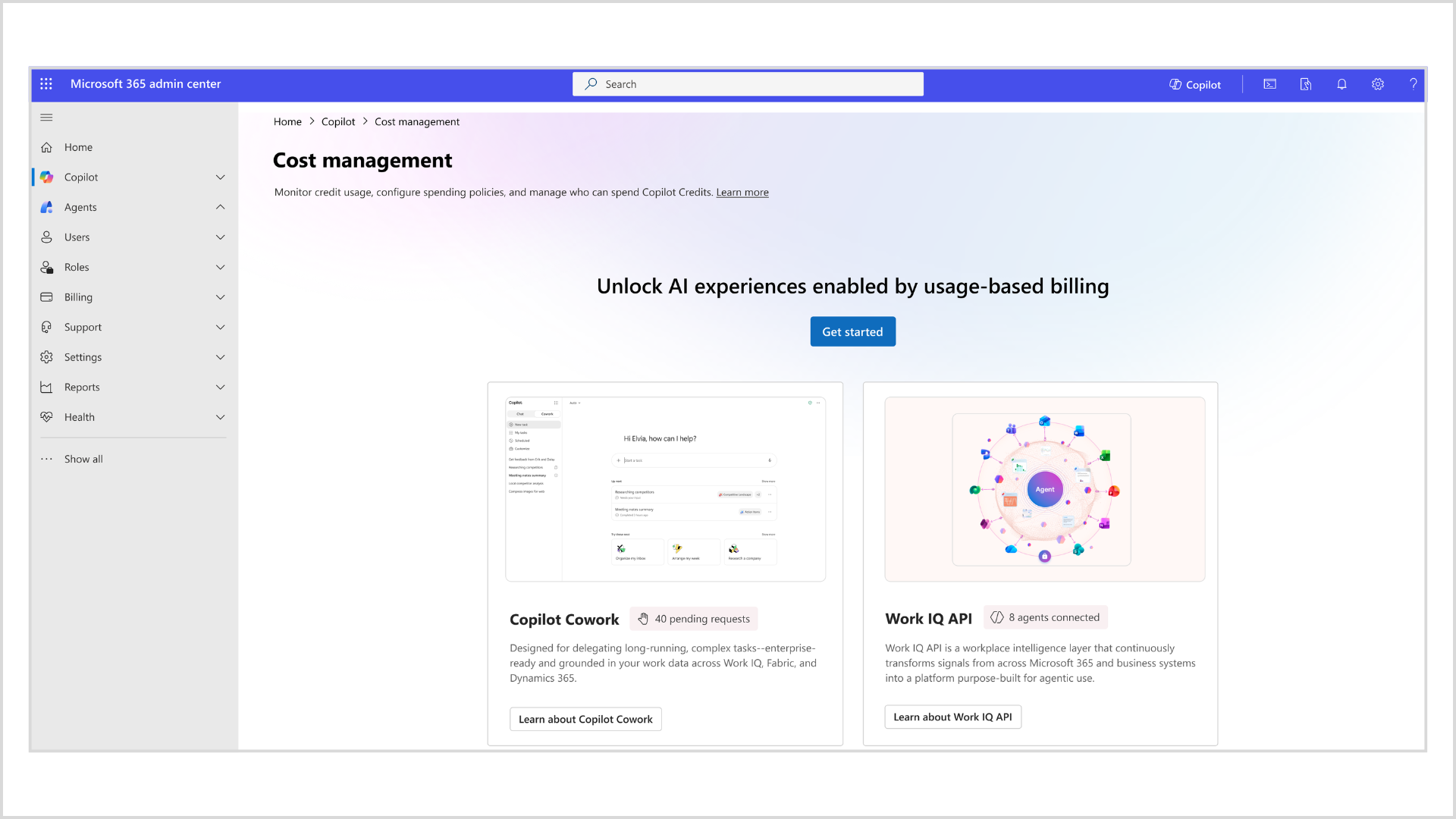
- Efficiency: There are various payment methods and cost estimation tools. More details are available in the Cost management section in the Microsoft 365 Admin Center. There, you can also allocate credits, apply policies, track consumption, and avoid overspending.
Payment models
Microsoft offers two main payment options for Cowork.
- Pay-as-you-go (PayGo):
Pay only for actual usage, with no upfront commitment.
Rate: USD 0.01 per Copilot Credit (*this amount depends on the type of contract and does not include possible taxes). - P3 (Copilot Credit Pre-Purchase Plan):
Purchase credits in advance for a one-year period with built-in discounts based on usage volume.
Credits are automatically deducted for eligible usage during the year or until exhausted, and the plan is set to automatically renew by default.
Key dates and grace period
Microsoft states that billing for Copilot Cowork started on June 16, 2026.
However, tenants that had at least one User participating in the Frontier program and using Cowork between March 30 and June 16, 2026, receive a grace period and are not charged for usage until July 1, 2026.
How Cowork billing differs from other Microsoft licensing models
The main difference is that most traditional Microsoft 365 plans are licensed at a fixed monthly fee. That is, the Organization pays a fixed amount per User per month or for another defined period.
This also applies to Microsoft 365 Copilot itself: the Copilot license is an add-on to a base Microsoft 365 subscription, and its cost is predictable for each User. This license includes Copilot Chat, Copilot in Word, Excel, PowerPoint, Outlook, and Teams; the Work IQ context engine, a multi-model system, built-in agents such as Researcher and Analyst, as well as custom agents using Agent Builder.
In the case of Copilot Cowork, the logic is different: the Microsoft 365 Copilot USL license is only an «entry point», after which variable billing based on usage comes into effect. That is, Cowork does not replace the standard Copilot license, but is added on top of it as a separate consumption model, where the amount depends on how many and what types of tasks the agent performs. That is why Cowork is closer not to the classic model of «one subscription = fixed price», but to the model «base license + separate payment for actual resource usage».
Another difference is that for Cowork Microsoft uses credits (Copilot Credits) — a common «billing unit» for Microsoft services with usage-based billing. These credits apply not only to Cowork, but also to other Copilot scenarios, for example, certain agents in Copilot Studio, Dynamics 365 agents, or individual services based on Work IQ API. Therefore, for an Organization, Cowork is not just another feature in the package, but part of a broader consumption model where costs must be planned, tracked, and managed separately from regular subscriptions.
In short, a standard Microsoft 365 or Microsoft 365 Copilot plan is a predictable monthly fee. While Copilot Cowork is a predictable base license plus a variable component that depends on actual usage. That is why Microsoft additionally provides limits, budgets, notifications, reporting, and pre-purchase options for credits specifically for Cowork.
If you need help selecting the optimal billing model or correctly configuring limits for Copilot Cowork, please contact our Licensing Specialists!